
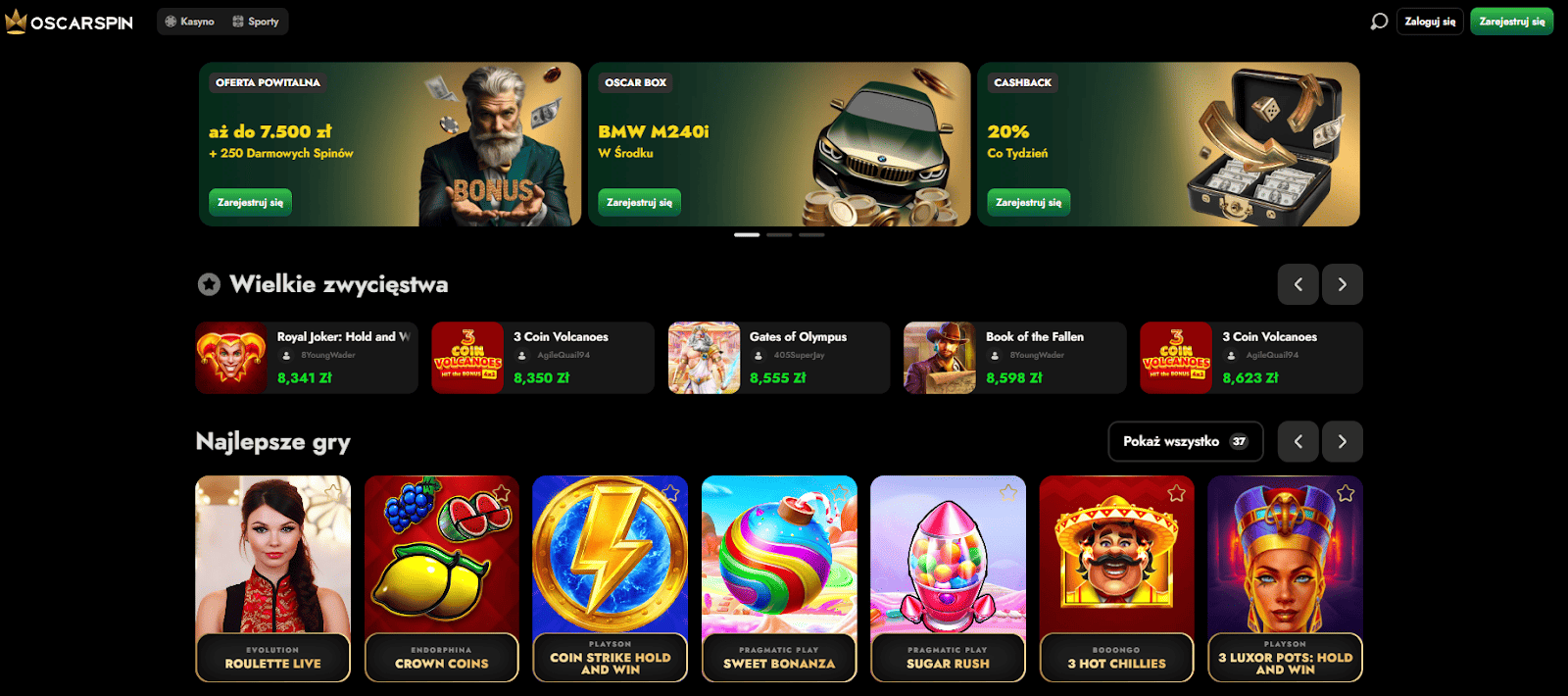
I’ve tested mobile casino platforms extensively, and a well-designed native app consistently outshines browser-based play. Oscar Spin Casino provides a dedicated app that loads faster, responds to touch with precision, and integrates directly with your device’s hardware. In this guide, I’ll provide my top tips for getting the most out of native casino apps, including installation, security, and performance tuning. Whether you’re an Android loyalist or an iPhone enthusiast, these insights will help you steer clear of common pitfalls and enjoy a smoother, more immersive betting session from the moment you tap the icon. The native app converts a simple phone into a reliable casino companion that I trust for real-money play.
Why a Native App Surpasses the Mobile Browser
When I compare the Oscar Spin Casino native app to its mobile website, the benefits are obvious instantly. Native code operates directly on the processor, cutting valuable lag from every spin and card deal. Animations run at a locked 60 frames per second because the app bypasses the browser’s rendering pipeline. I also find that biometric logins via fingerprint or Face ID eliminate password prompts that disrupt the flow. Push notifications, powered by the operating system’s dedicated channels, keep me informed about exclusive bonuses without relying on unreliable web push. The app even saves my favorite games locally, so I move straight into action without repeated asset downloads. This integration makes the native app my top choice, and I seldom use the browser version except on a borrowed device. Even when I multitask with apps, the native session recovers my exact game state immediately, something a browser tab cannot assure.
Getting and Putting in the Oscar Spin Casino App
Android Setup Guide
I begin by accessing the official Oscar Spin Casino website on my Chrome browser. I click the Android download button and allow the APK file to save. Before opening it, I go to Settings, Security or Privacy, and activate ‘Install unknown apps’ for Chrome or my file manager. I then tap the downloaded APK and check the permissions, which include storage access for caching and camera permission only for live dealer interactions. The installation completes in under a minute. I always remove the APK afterward to free up space and turn off the unknown-sources toggle to preserve device security. The app becomes visible on my home screen, and I sign in with my existing credentials to sync my balance immediately. I’ve never experienced an installation failure as long as I let the process to finish without switching apps.
iOS Setup Steps
On my iPhone, I access the same official site and press the iOS download button https://casinooscarspin.eu/app/. A pop-up requests if I want to accept the website to install an app; I click Allow and see the icon emerge with a progress bar. After it ends, I go to Settings, General, VPN & Device Management, and authorize the Oscar Spin Casino developer profile. I then launch the app and turn on Face ID during the onboarding prompt, which protects future logins. It’s a one-time setup that rewards me with direct access skipping the App Store. I’ve observed the app requests local network permission for lower latency on some Wi-Fi setups; I give it for a smoother live stream. After the initial trust step, the app refreshes silently over the existing installation without any repeated certificate approvals.
Efficiency Tips for Local Casino Play
I tweak a few in-app settings to keep the Oscar Spin Casino app running smoothly on any device. First, I enable adaptive frame rate, which dials down graphics automatically when my battery drops below twenty percent. I also activate the compressed audio mode when I’m on cellular data, cutting data usage nearly in half without damaging the soundtrack. On Android, I exclude the app from battery optimization so it doesn’t close mid-session. For iOS, I leave Background App Refresh on to maintain game state accurately. Within the notification center, I mute all marketing alerts except withdrawal confirmations and tournament starts. These adjustments turn the app from a default install into a fine-tuned instrument that respects my battery and data plan while delivering non-stop entertainment. I’ve managed to play for over four hours on a single charge with these settings dialed in properly.
Protection and Compatibility Basics
Safeguarding Your Account on Standard Apps
I never access a casino app without first confirming it employs certificate pinning and TLS 1.3 security, which Oscar Spin Casino mandates. The native app also hides my balance in the app switcher for privacy. I set up two-factor authentication via an authenticator app, not SMS, to guard against SIM-swap attacks. When I install on a new device, the app requests verification through my registered email, posing another obstacle for unauthorized access. I also regularly check the app’s version number against the official download page to verify I’m running the latest security patch. These habits keep my funds and identity safe even on public networks. Additionally, the app does not stores payment card details locally; it encrypts them, so my true numbers rarely sit on the device.
Device Compatibility Checklist
I’ve checked that the Oscar Spin Casino native app works on Android 8.0 and above with at least 3 GB of RAM, including most devices from 2017 onward. For iOS, anything running version 14 or newer is compatible, making it reachable on iPhones as aged as the 6s. I advise avoiding heavily modified Android interfaces from obscure companies, as they can affect the license check. The app also needs about 150 MB of free space, plus more for cached games, so I remove unused media before deploying. This broad support means that regardless I utilize a flagship phone or a budget tablet, the feeling remains seamless and reliable. I’ve even installed the app onto an Android TV device for a living-room casino night, though touch optimizations remain the preference for daily play.
After installing, tweaking, and protecting the Oscar Spin Casino native app, I’m certain it’s the best way to play casino games on the go. My top tips boil down to downloading directly from the official site, dedicating five minutes in permissions and trust settings, and adjusting notifications to match your lifestyle. The app repays that effort with smooth gameplay, hardened security, and instant entry to the full game library. Once you feel the difference between a native app and a cramped browser window, you’ll never return. Change over and let your phone deliver the premium casino experience it was made for. A native app is not a extra; it’s the sensible choice for consistent performance and peace of mind.
FAQ
Does the Oscar Spin Casino app available for free?
Indeed, the app is totally free of cost from the official site. I’ve never seen secret costs or subscription fees of any kind. The only money invested is your optional deposit for real money gaming. I always get it from casinooscarspin.eu to avoid counterfeit bleacherreport.com apps that might ask for money or inject malware. A free native app is standard among trusted casinos that want to clear every barrier between you and the lobby, ensuring you can get playing within minutes without spending money.
Am I able to use the identical account on the app and desktop?
Definitely. I sign in with matching credentials across the Oscar Spin Casino app, mobile browser, and desktop. Funds, loyalty points, and bonus progress synchronize right away. I’ve nl.wikipedia.org started a blackjack hand on my phone during a trip and continued it on my laptop without manual transfer. This flawless cross-device compatibility is among the top reasons I endorse the dedicated app, especially for players who divide their time between platforms.
Which devices are usable with the casino’s native app?
Android devices need version 8.0 or higher and at least 3 GB of RAM. I’ve tested the app effectively on Samsung, Google Pixel, and OnePlus phones. For iOS, any iPhone using iOS 14 or later functions, stretching to the iPhone 6s. iPads on the same iOS version are also supported. I skip custom Android forks from no-name manufacturers, but stock Android and iOS provide reliable performance and full touchscreen responsiveness.
What is the method to update the Oscar Spin Casino app?
Since it’s not on Google Play or the App Store, I depend on in-app prompts. When a new version is available, a banner shows up, and I download the fresh APK or iOS profile from the official site. Installation overlays the existing app without removing account data or settings. I look at the version number in the app’s footer monthly and match it with the website to remain up-to-date. This method guarantees I always benefit from the latest performance tweaks and security patches.
Are my personal details secure on the native app?
Yes, I’m sure in the app’s security. All traffic employs TLS 1.3 encryption, and biometric templates never leave the device’s secure enclave. The app separates personal data from other apps, and the privacy policy inside the menu explains retention practices. I am much more at ease than typing the same details in a browser that might have risky extensions. Transaction records are encrypted as tokens, so my card number is never kept locally.
Why does the app require location permissions?
The Oscar Spin Casino app may ask for approximate location to comply with territorial regulations. Some game providers review jurisdiction before loading live tables. I generally grant ‘rough location’ rather than accurate GPS to satisfy compliance while safeguarding my privacy. The app operates smoothly without it, but certain live dealer tables might stay hidden until location is validated. If you prefer, you can reject the permission and still experience slots and RNG games.
What action should I take if the app crashes during a game?
I shut down and restart the app immediately. The native recovery system recovers my active game round so I never lose a bet. If crashes persist, I wipe the app cache from device settings without deleting stored data. As a last option, I install again the latest version. My balance is always secure because it exists on the server, not the client. This built-in resilience gives me peace of mind, even during unreliable network conditions.
